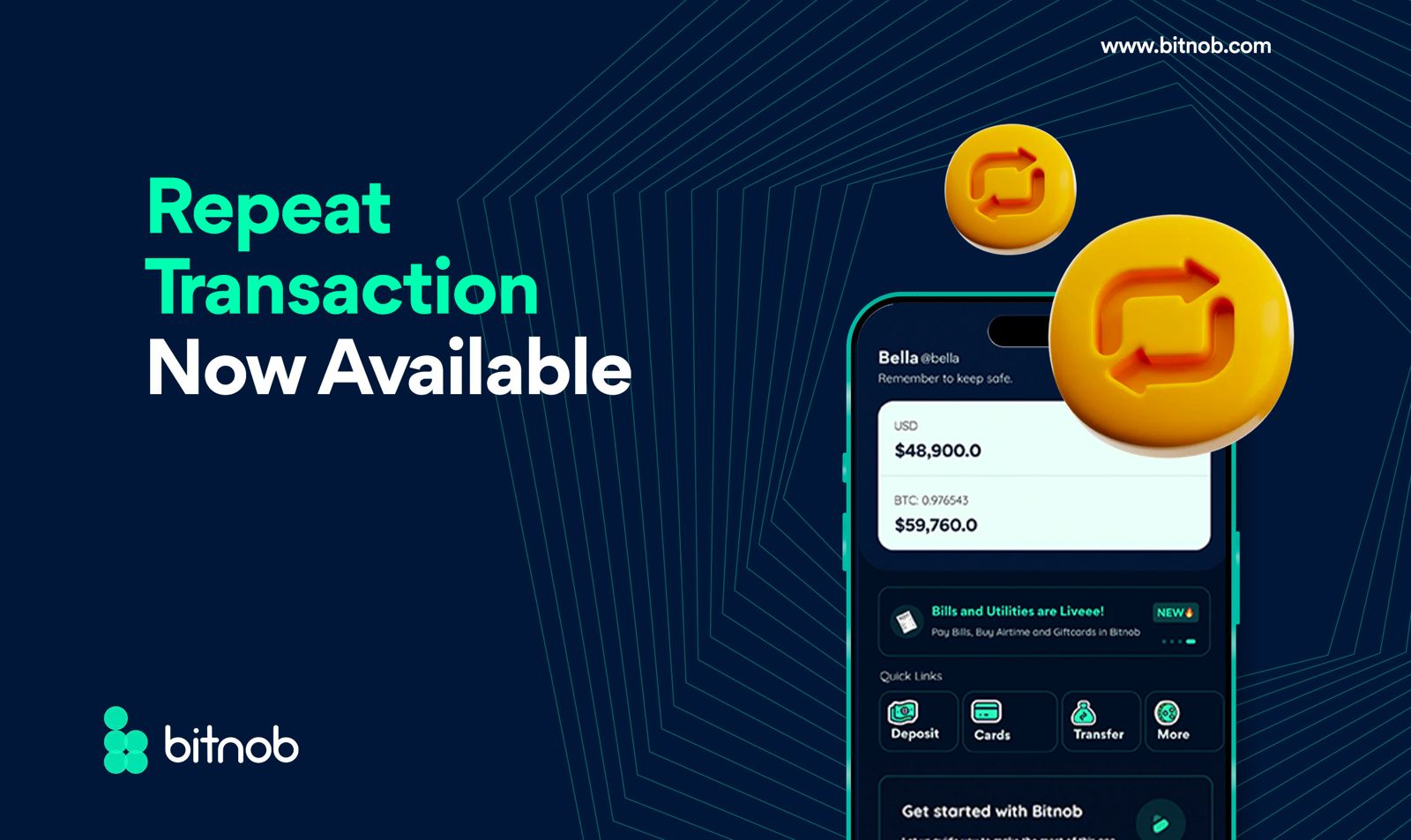
At Bitnob, we are continually committed to making your financial transactions as seamless and efficient as possible. That’s why we are thrilled to introduce our latest feature: Repeat Transaction.
This addition allows you to effortlessly repeat your bank transfers and withdrawals with just a few taps on your Bitnob app. No more re-entering details or worrying about missing a step—we have got you covered with the Repeat Transaction feature
How to Repeat a Transaction on the Bitnob App
Follow these simple steps to make the most of our new Repeat Transaction feature:
- Login to the Bitnob app
- Tap "MORE" in the quick links section
- Tap "Accounts" to view all your transactions
- Choose the particular transaction you want to repeat
- Tap the Repeat button to repeat the transaction
- On the bottom of the transaction receipt, you'll see a repeat button.
- Click on the repeat button.
- Enter the amount you want for the transaction.
- Proceed to view the transaction receipt.
- Enter your transaction PIN.
- Voila! Your transfers or withdrawals get repeated without missing a detail
With Repeat Transaction, we aim to save you time and eliminate the hassle of re-entering transaction details. Whether it’s a regular payment, a favorite recipient, or any other transaction you frequently perform, Repeat Transaction ensures you can complete it swiftly and effortlessly.
Start using Repeat Transaction today and experience the convenience of automated, accurate, and swift financial transactions with Bitnob.