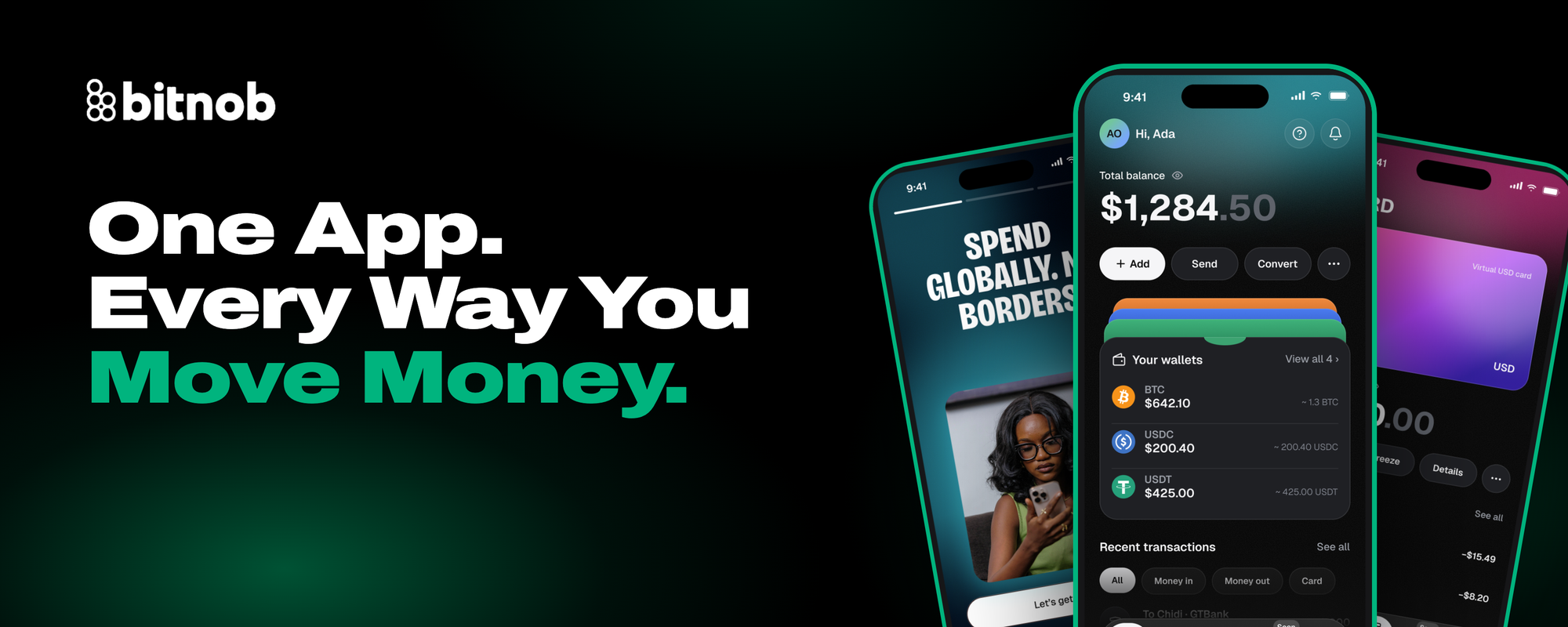
Today, we're launching the new Bitnob app.
If you've used Bitnob for a while, you know the drill. Your personal money lived in one place. If you ran a business, you managed it somewhere else. Switching between them took more taps, more logins and more time than it should have.
We heard you. So we rebuilt Bitnob from the ground up around one simple idea: your money should work the way your life works. For many of you, personal and business are not two separate lives. You're a freelancer, a founder, a trader, a side-hustler and a customer, often in the same afternoon.
The new Bitnob brings all of it together in one app, on your phone and on the web.
A few new things you will notice on the new Bitnob app
1. Personal and business profiles, in one app
Your personal account and your business dashboard now live side by side. Switch between them in a tap, with no second app and no second login. This means you can now pay a supplier from your business wallet, then send money to your family from your personal wallet, all in the same session and within your mobile app.
2. Bitnob on mobile and on the web
For the first time, everything you can do on Bitnob is available on both mobile and web, for individuals and businesses. Approve payments from your laptop at work. Check your balance from your phone on the go. Your account stays in sync wherever you log in.
3. A cleaner, faster experience
We redesigned every screen to be simpler and quicker. The things you do most, like sending, receiving, converting and checking your balance, are now fewer taps away.
4. Ready for what's next
The new app is the foundation for everything we're building next, including our new Bitnob cards for individuals and businesses. Updating now means you'll be first in line as they roll out.
Your Money Moves With You
We know a new app can feel like starting over. It isn't.
When you update, your balances and full transaction history come with you automatically. There's nothing to export, re-upload or set up again. Log in, and everything is right where you left it, just in a better home.
How to Update
It takes less than a minute.
- Open your current Bitnob app. You'll see a prompt to update.
- Tap Update, or go to the App Store or Google Play and update Bitnob.
- Reset your password and Log in with the new one.
- If you’re a Business owner, tap the account switcher to open your business profile.
Prefer a bigger screen? Log in on the web
Frequently Asked Questions
Will I lose my balance or transaction history? No. Your balances and full history move over automatically when you update.
Do I need a new account? No. Reset your password after updating and Log in with the new details.
I only use Bitnob personally. Does this change anything for me? Nothing changes. You get the same account with a faster, cleaner design, plus web access.
I run a business. Where's my dashboard? In the same app. Use the account switcher to move between personal and business.
Who do I contact if something looks wrong? You can contact our support team in the app or email us on hello@bitnob.com.
Update Today
The new Bitnob is built for how you actually move money: personal and business, mobile and web, in one place.
We'd love to hear what you think. Give us your feedback here
email.
The Bitnob Team